

Connect Mercado Pago to Nevian
Connect Mercado Pago so sales and payment changes reach Nevian and can be matched to the visit that brought the buyer.
What you need
Availability. This connection is not available in this version of the panel yet. Use this guide to prepare the account settings; continue only when its named integration and credential fields appear in your workspace. Do not send its events to Custom or another provider URL.
- A Mercado Pago account with permission to configure notifications.
- An active Nevian plan and an owner, admin or member role. Viewers cannot connect integrations.
- Keep the checkout and Nevian tabs open side by side.
Steps
In Nevian, open Integrations → Add integration (Connect provider in an empty workspace), choose Mercado Pago and click Next with the platform open in another tab.
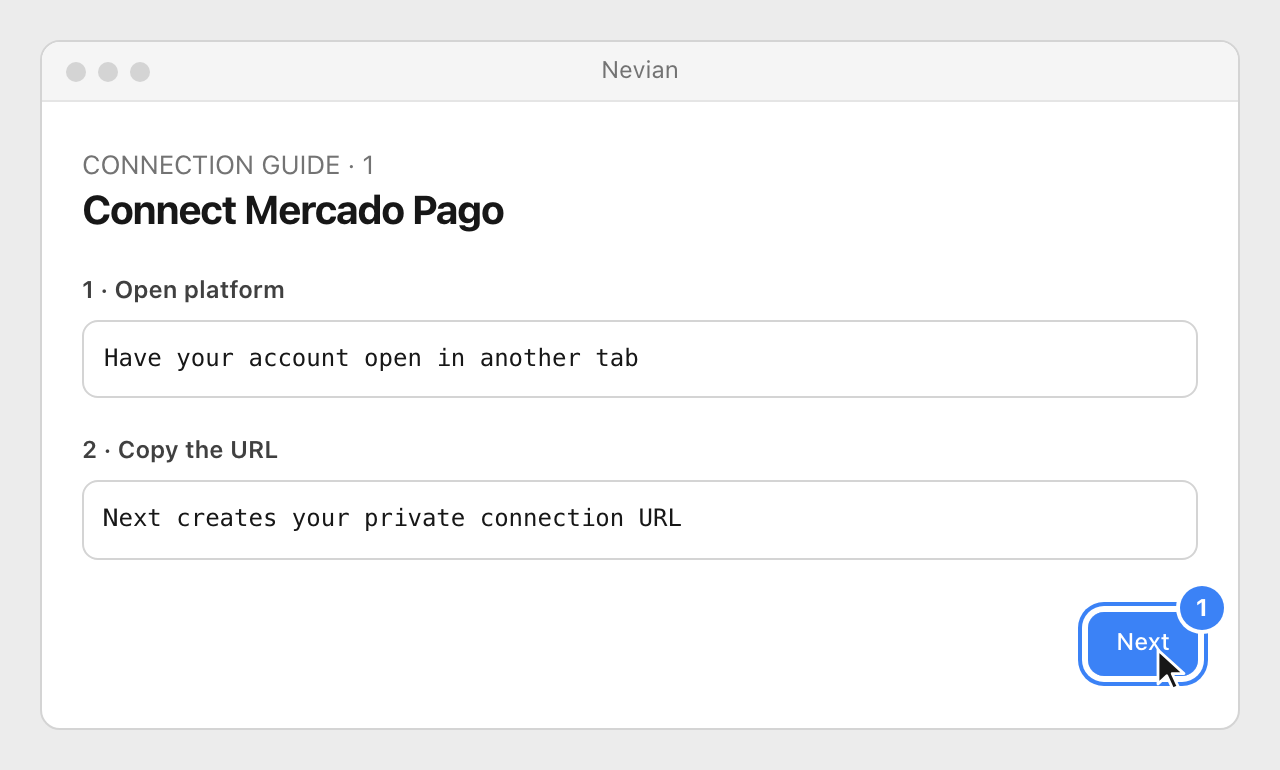
Copy the complete Webhook URL. Keep it private and leave this window open while you configure Mercado Pago.
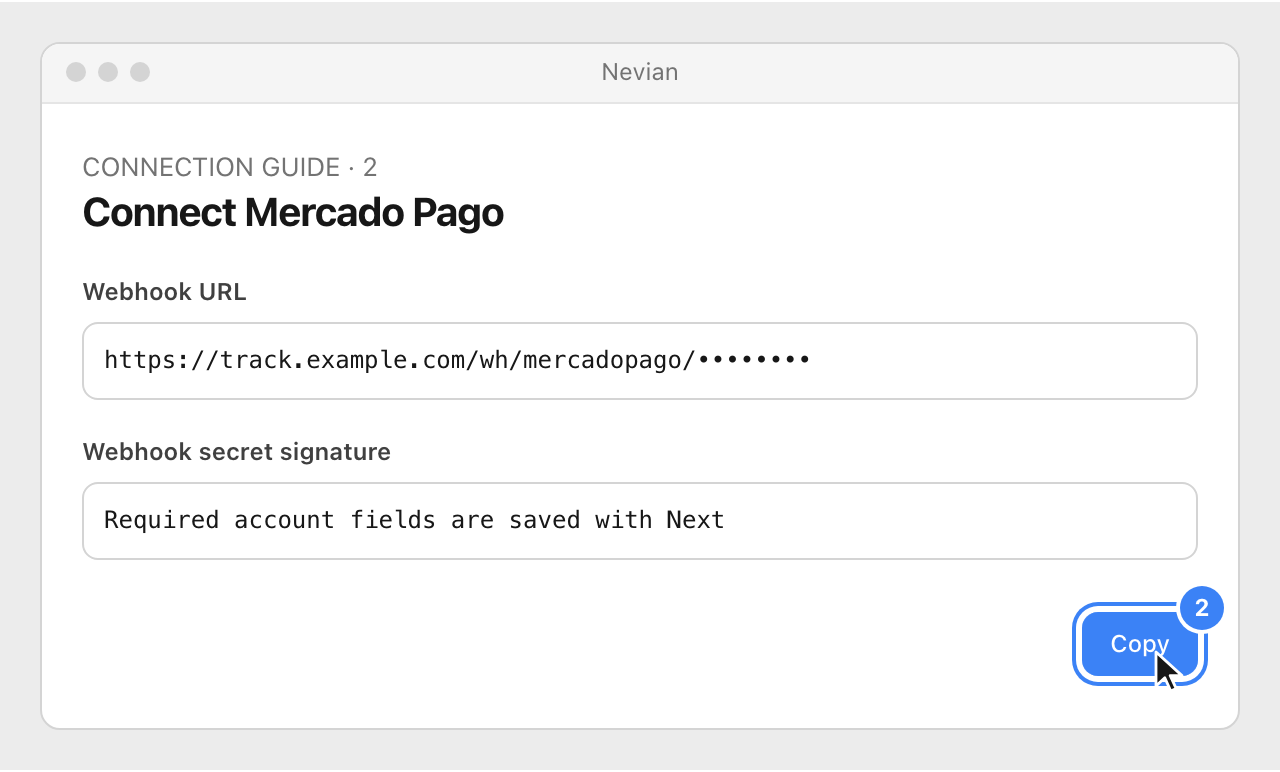
Open Suas integrações, choose the application used by your checkout, then Webhooks → Configurar notificações.
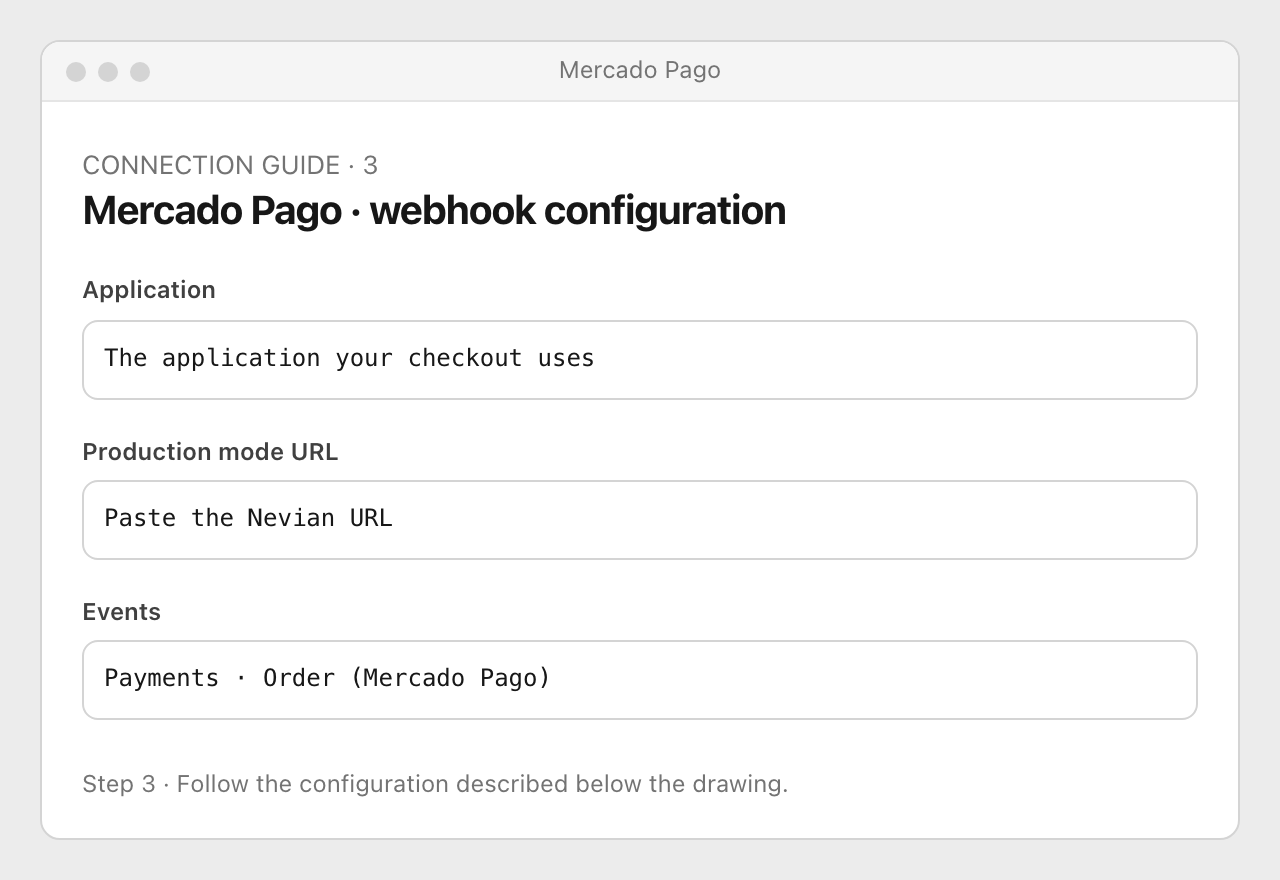
Set the production destination URL, select payment and order notifications, and save. Copy the generated webhook signature secret and the same application’s production Access Token into the matching Nevian fields.
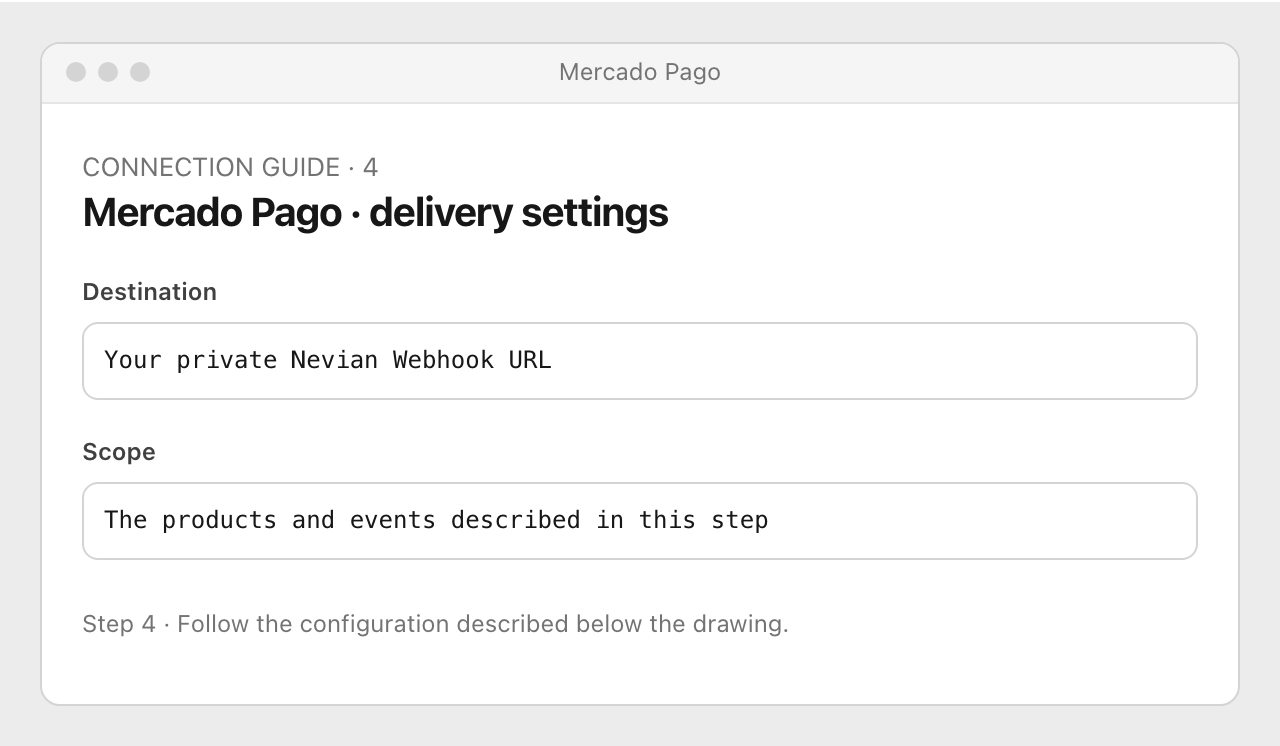
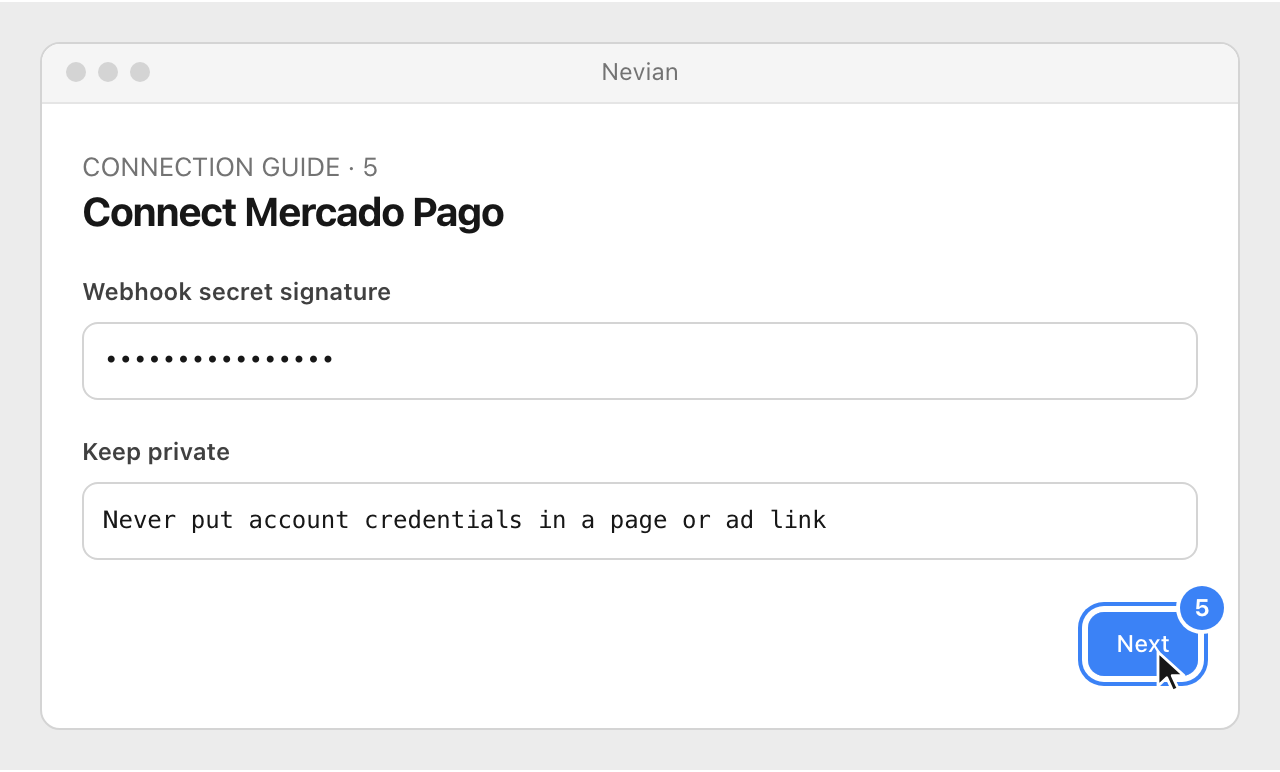
Return to Nevian, enter Webhook secret signature and click Next to save it. Copy it from the same account and webhook you just configured.
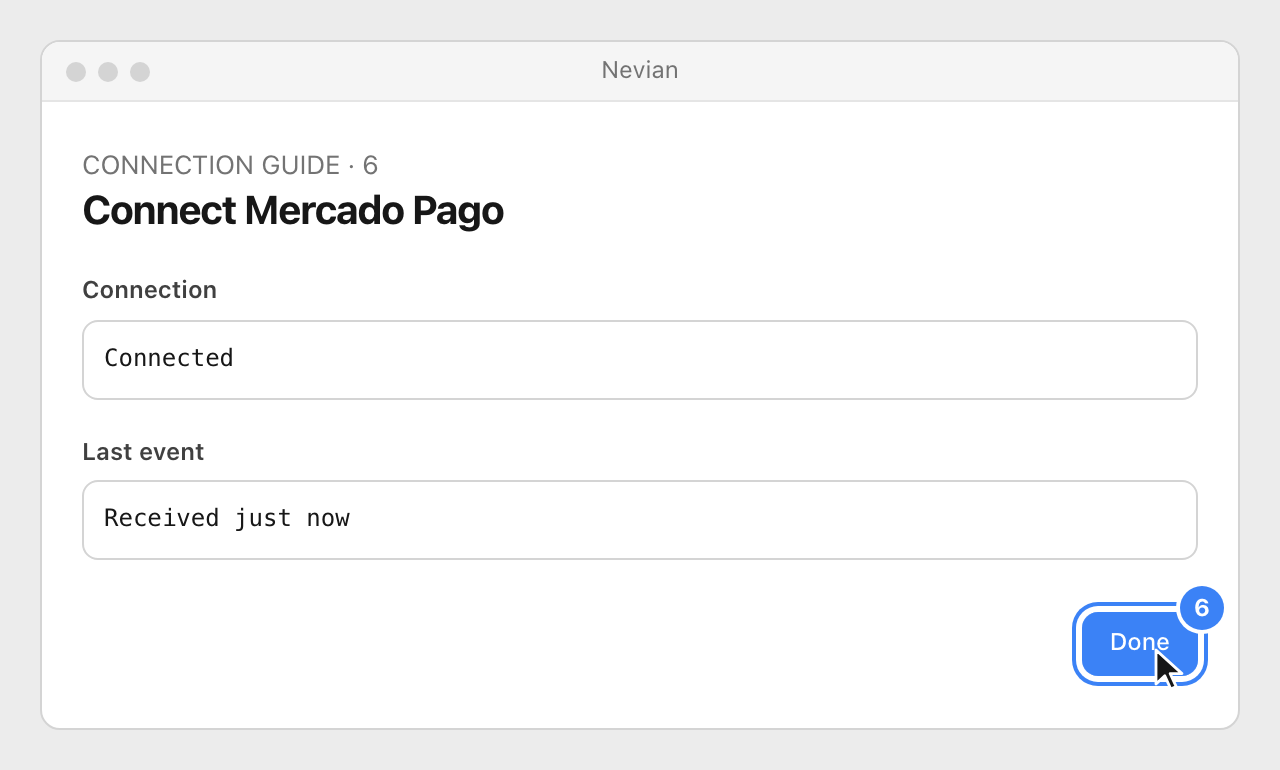
Back in Nevian, go on to the last step of the window. It reads Connected. Waiting for the first sale. Click Done: your first sale shows up by itself.
Access Token is also required: a notification contains an ID, so the receiver needs to read the payment from the API. Keep this credential in the integration settings, never in a website or ad URL.
Check that it works
- The Mercado Pago card in Integrations shows it as connected right away, waiting for the first sale.
- The first real sale shows up in Logs → Webhooks and in the reports. A delivered webhook can be logged without creating a sale when the event is informational.
- Events with live mode off and payments made by Mercado Pago test users are recorded as tests and never count in revenue.
- Pass the visit ID in
external_referencewhen your server creates the preference or order. Payment links made in the Mercado Pago panel do not supply this notification flow.
Problems
No sale shows up after a real sale
Check the complete URL, event subscriptions and product scope. If you rotated the integration key, replace the URL in the provider too.
The call was rejected
Read the reason in Logs → Webhooks. Check the secret when one is configured. After you fix it, resend the rejected event from the provider, so it is not lost. A call from Mercado Pago’s dashboard simulator is logged as payment not found: the simulator sends a payment ID that does not exist.
No matching click
A call that is not linked to a visit means the buyer reached the checkout without the click ID: follow the click ID instructions above.
Still stuck? Chat with us on WhatsApp or write to [email protected].
Images are our own drawings and configuration diagrams, not screenshots. Use the current values from your account; the examples contain no live credentials.